Edit a requirement
To edit an existing requirement:
1. Open the “Requirement” window by going to “Project | Requirements”.
2. Select the requirement you want to edit and then click on the “Edit” button.

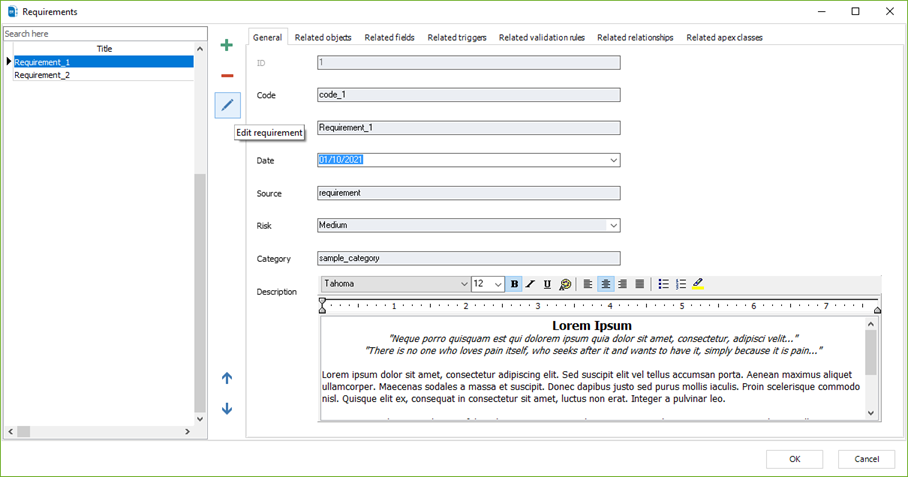
3. Once you edit the requirement, make sure to apply the changes by clicking on
|
Available in: Enterprise Edition |