Change DBMS
ERBuilder data modeler allows you to change the data model from one DBMS to another.
- To change the DBMS of an opened project, navigate to “Tools | Change DBMS”.
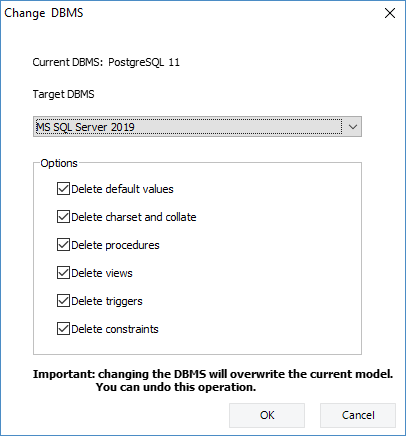
- In the “Change DBMS” window, choose the target DBMS, set the options, and then click “OK”.
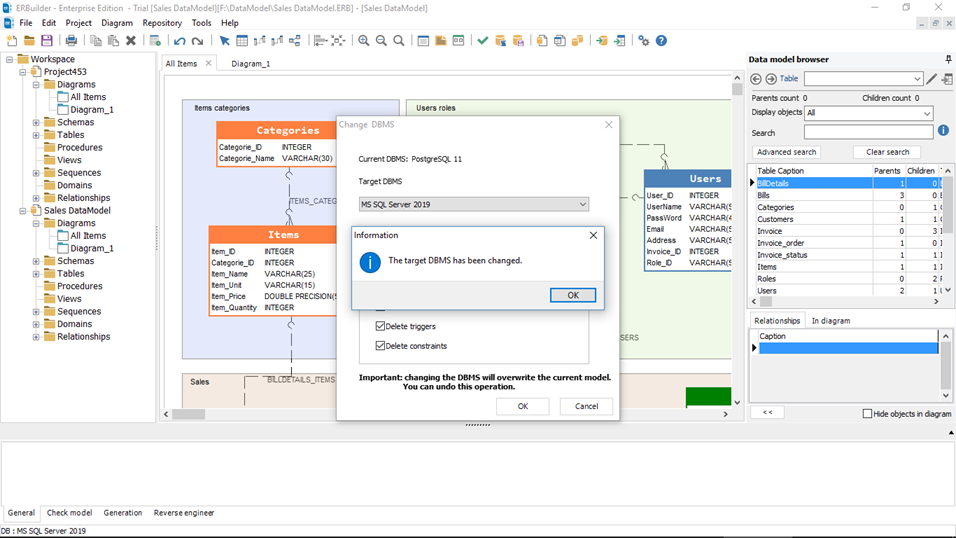
- Once the change is done, you will see the new DBMS on the status bar under the diagram area.
|
Available in: Professional and Enterprise Editions |