Editing an existing trigger
To edit an existing trigger:
1.
Select “ ” in the
“Triggers” management tab:
” in the
“Triggers” management tab:
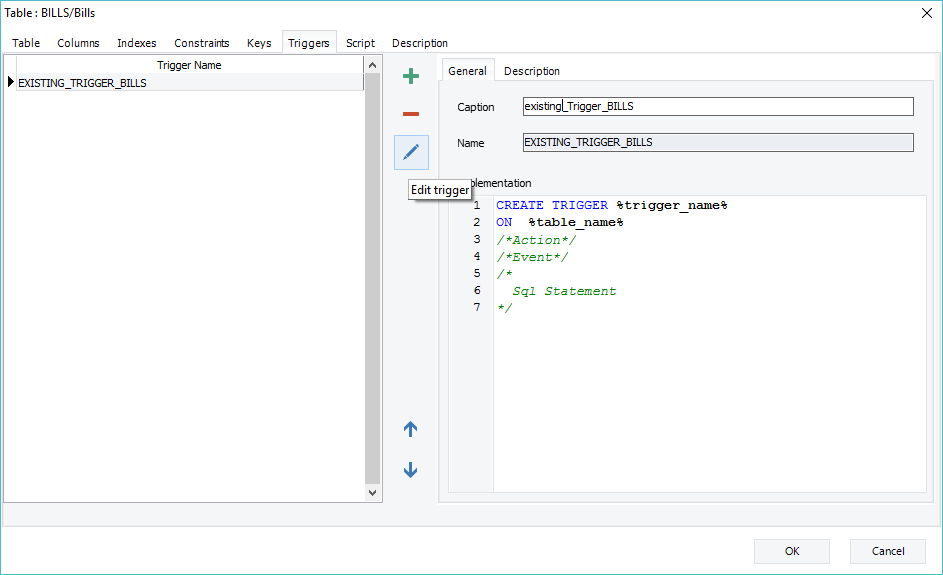
2.
Click on “ ” to apply this
change.
” to apply this
change.
Once the trigger is in edit mode, its name, caption and SQL body code can be changed.
|
Available in: Free, Starter, Standard, Professional and Enterprise Editions |