• ERBuilder
  • Feature Matrix
  • Pricing
  • About us
  • ERBuilder Logo
  • 7.0
  • Getting started

    • About ERBuilder

    • Installation guide

    • User interface

  • Project management

    • Creating a new project

      • - Create a new project

      • - New project from scratch

      • - Automatically from user stories/ requirements

      • - From existing database

    • Opening an existing project

    • Closing a project

    • Saving a project

    • Save as a project

    • Exiting the application

    • Project properties

    • Opening multiple projects

  • Diagram Management

    • Add a new diagram

    • Delete a diagram

    • Rename a diagram

    • Diagram properties

    • Add existing tables/relationships to diagram

    • Show/hide relationships from a diagram

    • Export diagram as an image

    • Print/ Preview a diagram

    • Print setup

  • Objects

    • Tables

      • - Creating a new table

      • - Editing a table

      • - Deleting a table

      • - Duplicating a table

      • - Show/hide related relationships

      • - Table Styles

    • Domains

      • - Creating a new domain

      • - Editing an existing domain

      • - Deleting an existing domain

    • Columns

      • - Creating a new column

      • - Editing an existing column

      • - Deleting an existing column

    • Indexes

      • - Creating a new index

      • - Editing an existing index

      • - Deleting an existing index

    • Constraints

      • - Creating a new constraint

      • - Editing an existing constraint

      • - Deleting an existing constraint

    • Keys

      • - Creating a new key

      • - Editing an existing key

      • - Deleting an existing key

    • Triggers

      • - Creating a new trigger

      • - Editing an existing trigger

      • - Deleting an existing trigger

    • Procedures

      • - Creating a new procedure

      • - Editing an existing procedure

      • - Deleting an existing procedure

    • Views

      • - Creating a new view

      • - Editing an existing view

      • - Deleting an existing view

    • Sequences

      • - Creating a new Sequence

      • - Editing an existing Sequence

      • - Deleting an existing Sequence

    • Relationships

      • - Creating a new relationship

      • - Editing an existing relationship

      • - Deleting an existing relationship

      • - Setting relationship line style

      • - Add/ remove relationship point

      • - Show/hide a relationship

      • - Relationship styles

    • Schemas

      • - Creating a new Schema

      • - Editing an existing Schema

      • - Deleting an existing Schema

    • Requirements/ user stories

      • - Creating a new requirement/ user story

      • - Assign a requirement/ user story

      • - Editing an existing requirement/ user story

      • - Deleting an existing requirement/ story

      • - Import/ export requirements and user stories

    • Custom metadata

      • - Create a new custom metadata

      • - Assign a custom metadata

      • - Edit a custom metadata

      • - Delete a custom metadata

    • Manipulate objects

      • - Undo/Redo an action

      • - Copying/Pasting objects

      • - Reaching objects

      • - Organize and arrange Objects on a diagram

      • - Finding/Replacing objects

      • - Replacing data types

  • Connections management

    • Creating a new connection

    • Editing an existing connection

    • Deleting an existing connection

    • SSL settings

    • SSH settings

      • - SSH Connection using Password authentication

      • - SSH Connection using Public key authentication

    • Windows authentication

  • Forward/Reverse engineering

    • Forward engineering

      • - Model validation

      • - DDL Script generation

      • - Database generation

    • Reverse engineering an existing database

  • Advanced features

    • Update database from model

    • Update model from database

    • Generate change script

    • Compare models and/or databases

    • Merge models

    • Change DBMS

    • Model documentation

      • - Generate data model documentation

      • - Confluence connection settings

      • - Auto generate description

    • Generate data dictionary

    • Using ERBuilder console to generate documentation/ data dictionaries

    • Schedule the generation of data dictionaries/ documentation

    • Generate user interface

    • Generate test data

    • Data Generators settings

      • - Assign Data Generators

      • - Add a new generator template

    • Work with virtual test data in a database sandbox

    • Versions control management

  • Generative AI features

    • Auto-generate ERD using generative AI

    • Update model from Requirements/ User Stories using generative AI

    • Generative AI setup

  • Data model browser

    • About data model browser

    • Elements of the data model browser

    • Using the advanced filters

  • Git version control

    • Setup of Git with ERBuilder

    • Import project from Git repository

    • Save changes to Git repository

    • Refresh model

    • Manage versions

  • Options management

    • General

    • Diagram

    • Tables

    • Relationships

  1. Home
  2. About ERBuilder

About ERBuilder

ERBuilder Data Modeler is a powerful and easy to use visual tool for relational database modeling. It allows the creation and manipulation of database models. The developers at Soft-Builder have put a lot of effort into simplifying this product while ensuring that all the import functionalities required by data modeling professionals are met. Thus, our product not only makes life easier for experienced users. It is also a useful tool for beginners and students.
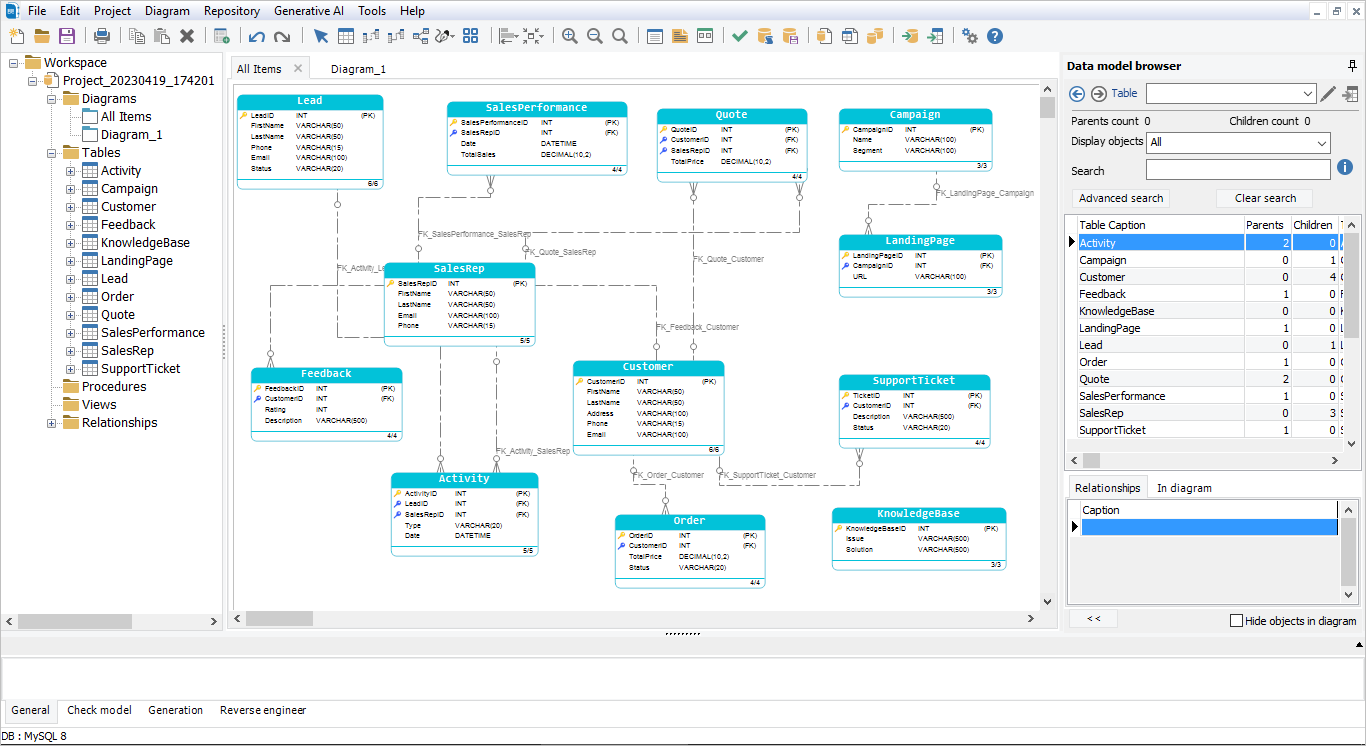
ERBuilder Data Modeler offers a complete data modeling studio including all features needed to build a data model, here are some main features available in ERBuilder:

  • Design and model your database with an easy and user-friendly UI
  • Support multiple database systems such as MySQL, Oracle, PostgreSQL, SQLite and MS SQL Server, Azure SQL Database, Amazon Redshift and more
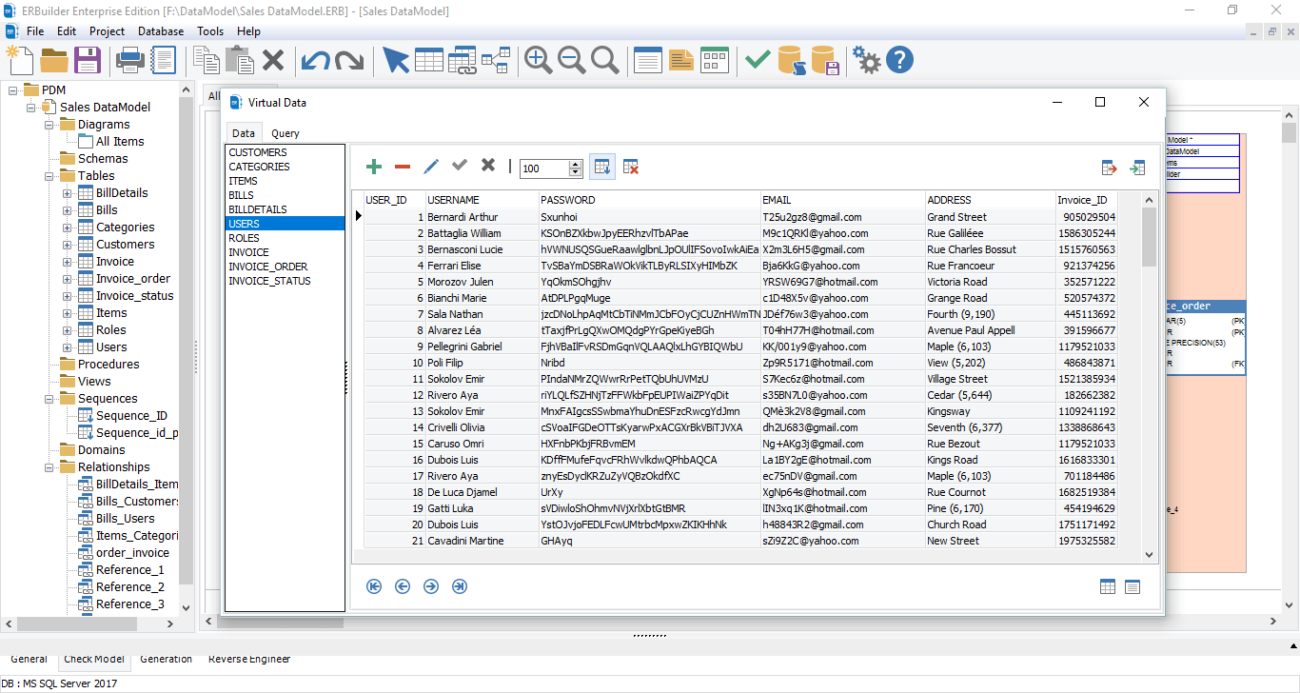
  • Validate a model by checking for syntax errors or generate meaningful test data to verify safely your model
  • Document and share your model into different formats
  • Forward engineer a model and generate SQL script or database directly
  • Reverse engineer existing databases to a model
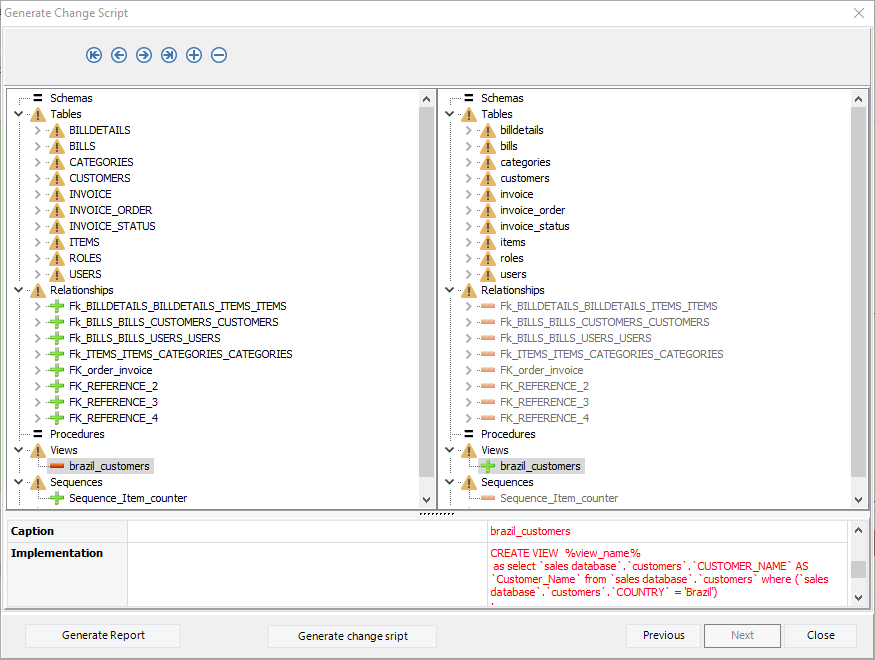
  • Synchronize your database with your model
First slide
Second slide
Third slide
Previous Next

And more productive features. If you need more information, please visit ERBuilder's overview page: https://soft-builder.com/erbuilder-data-modeler/ .

  • ← Previous
  • Next →

Can't find what you're looking for?

Let us help you right now!

Version 7.0
Copyright © 2023 Softbuilder. All rights reserved.